
Windows 10LTSC (LongTerm Servicing Channel) is a specialized edition of Windows 10 designed for enterprise environments. It’s tailored for devices and use cases where functionality and features don’t change over time, such as medical systems, industrial controllers, and air traffic control devices.
Here are some key features of Windows 10 LTSC:
- Targeted use cases: Ideal for specialized devices that require a stable and secure operating system without frequent changes
- Longterm support: It receives security updates for either 5 or 10 years after its release, but no feature updates.
- Stability: It’s a stripped-down version without pre-installed apps like Microsoft Edge, Cortana, and other consumer-focused features.
Windows IoT is Microsoft’s operating system designed for embedded and Internet of Things devices. It’s part of the Windows product family but specifically tailored for connected devices that are used in various industries like manufacturing, retail, healthcare, and more.
Of course Windows 10, 11 IoT LTSC can be used on any semi-modern Windows Machine.
Here’s How To Install It
First you need a disk image or ISO. For that we will need our friend at MASSgrave. They have conveniently linked to all of the “Windows” and “Office” download on GitHub. Download Windows 10 IoT LTSC, English 64 bit (The one with the red heart next to it.)
Copy the ISO to a flash-drive using Rufus or any image coping software. Use the default settings.
Boot from the flash-drive you just made…

Click Next

Click Install Now
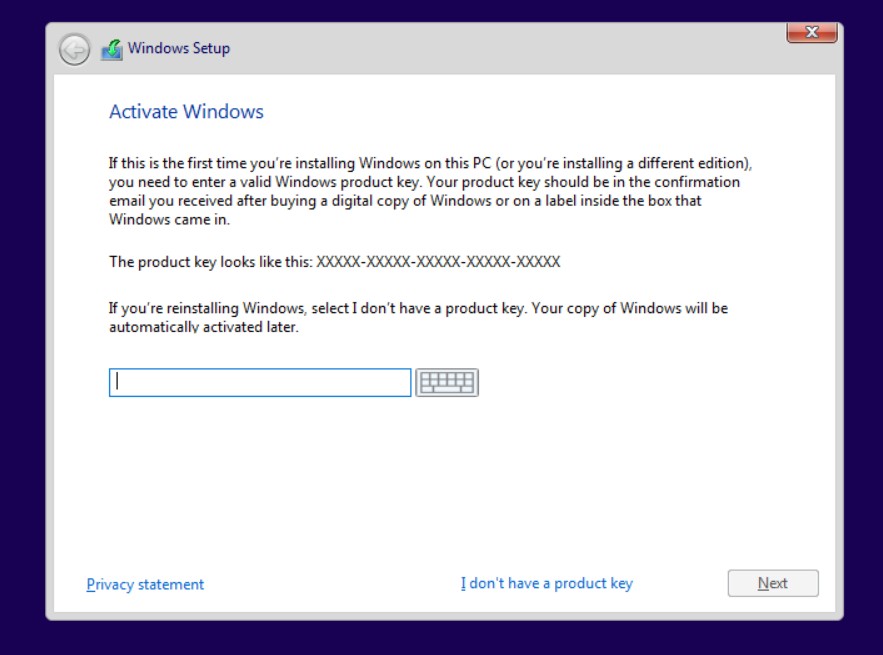
Click I don’t have a product key
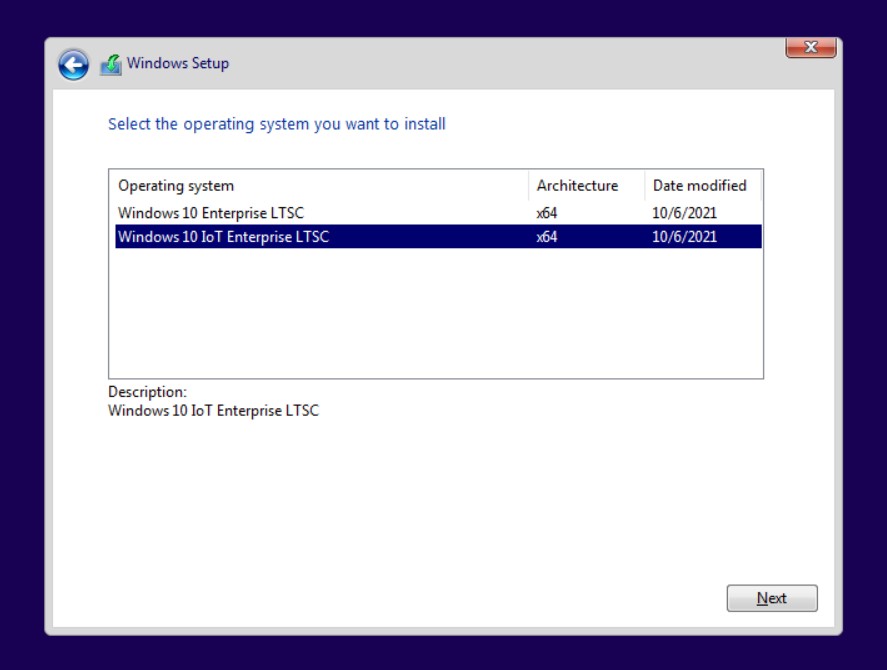
Select the IoT version and click Next

Accept the terms and click Next

Click Custom Install Windows only (advanced)

Delete all of the drives that are listed and click Next

Copying files computer will restart when finished

Select region click Yes

Select a keyboard layout click Yes
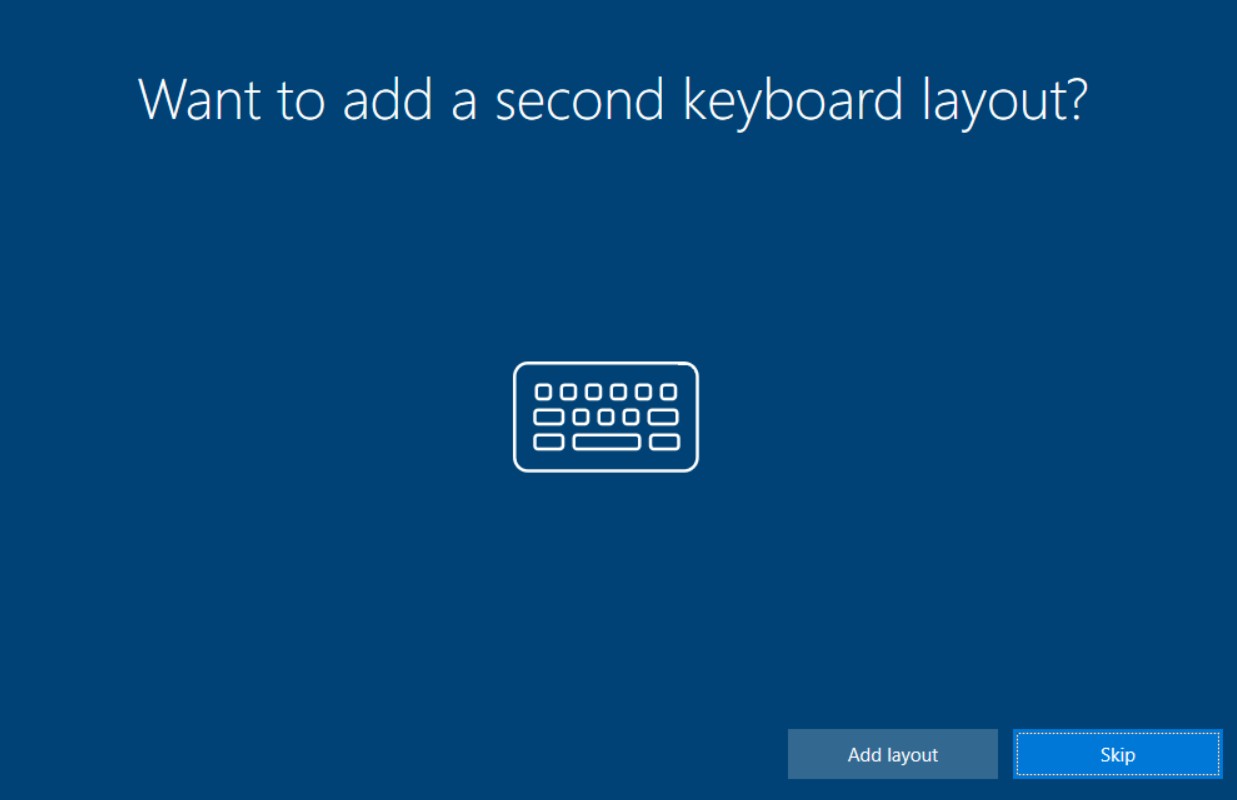
Click Skip
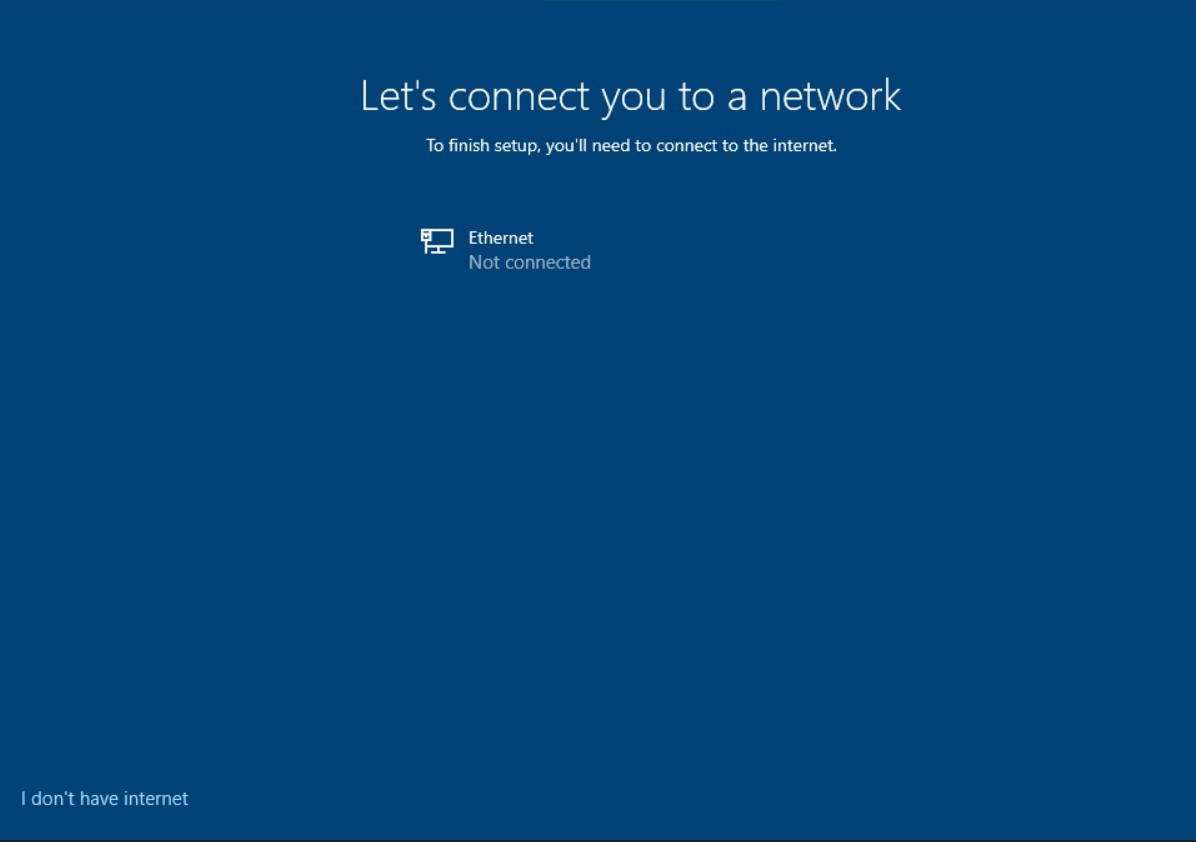
Make sure you are disconnected from the Internet. Click I don’t have Internet

Click Continue with limited setup

Enter user name

You may enter a password here if you wish to do so.
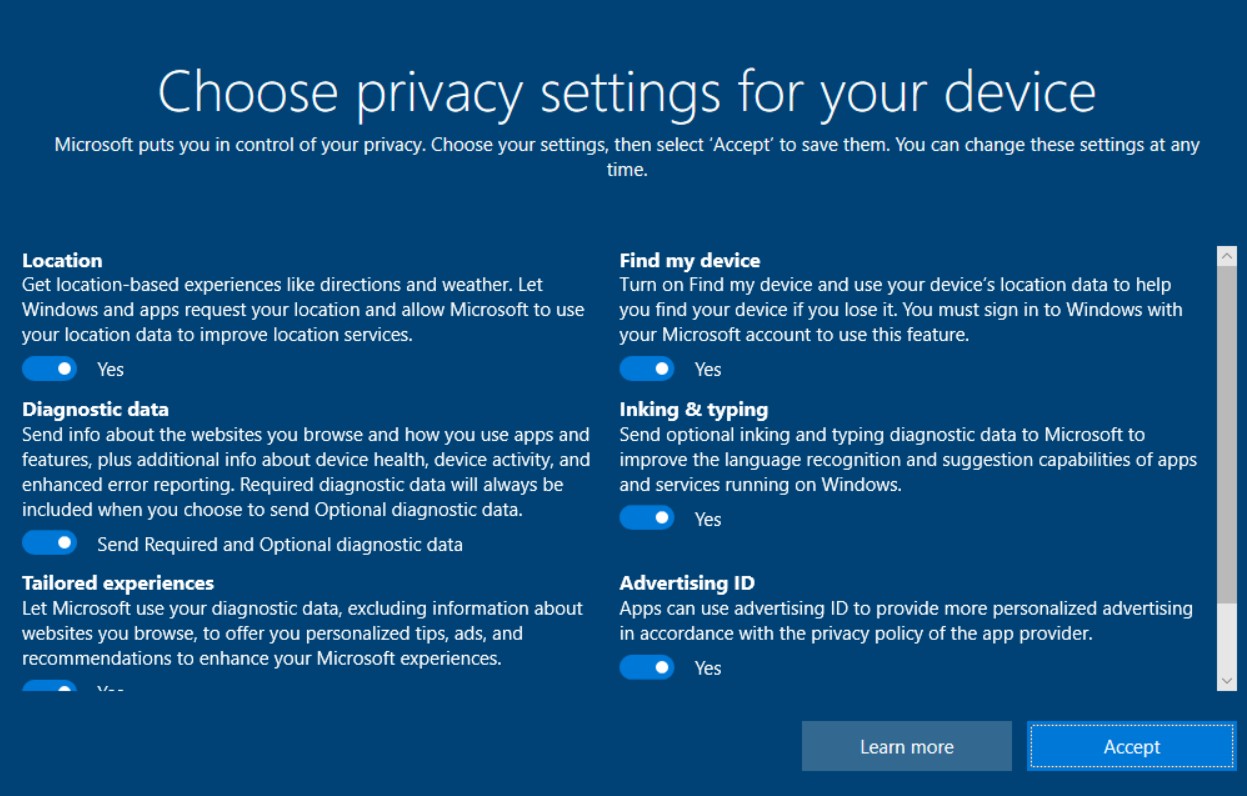
Select privacy settings

I un-tick all of these.

All finished

You now have a the lightest Windows install you can get.
Activate Your OS
You’ve installed Windows 10 Enterprise IoT but you need to activate it to stop the constant nagging and to get full functionality. To activate it use the Microsoft Activation Script.
Reconnect your Internet

Run Windows PowerShell (It comes with Windows) as Administrator. You must give permission to run the program as Admin.

Script
irm https://get.activated.win | iex
Open Microsoft Edge and go to https://massgrave.dev/
Under Download / How to use it? Step 2 – Copy the script.

Paste the text…
irm https://get.activated.win | iex
Hit Enter

The Microsoft Activation Script will open.
Type 1
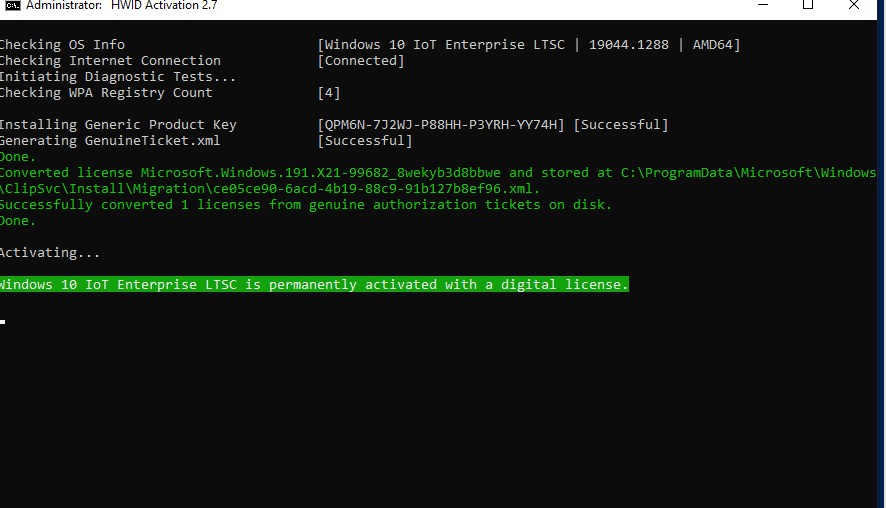
Activation code will run
Windows Enterprise LTSC IoT is now active!
 Good-N-Free Meetup